Summary
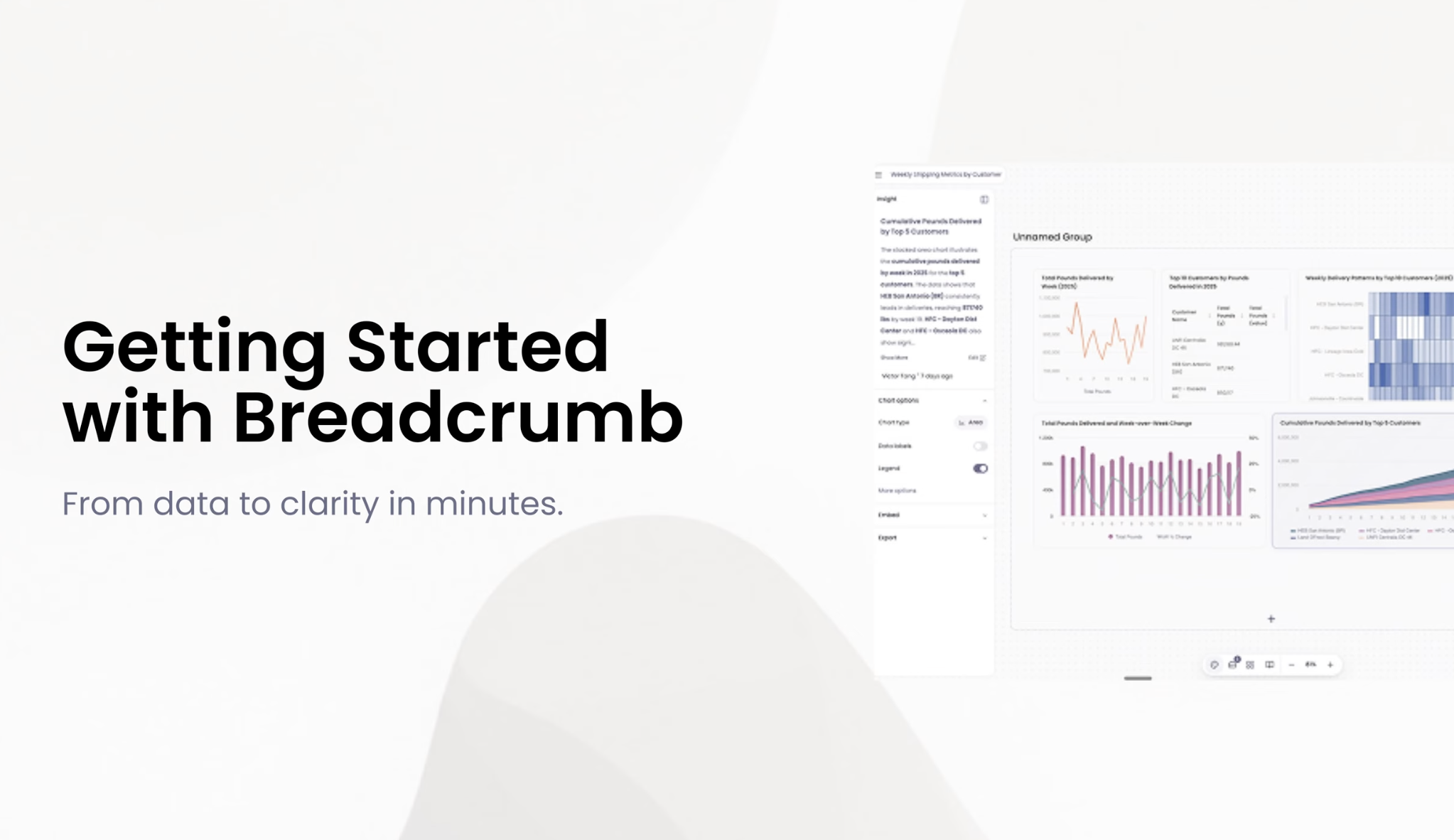
Breadcrumb.ai’s latest video blog post offers a hands-on walkthrough of how their AI-powered analytics platform transforms data reporting from static spreadsheets into dynamic, interactive insights. The video guide demonstrates how users can auto-generate dashboards, seamlessly combine data sources, and explore analytics in real time—all without writing a single line of code. Designed for marketers, sales teams, business operators, event managers, and SaaS companies, Breadcrumb’s platform empowers anyone to create engaging data stories for clients and stakeholders. The content is produced by the Breadcrumb team, ensuring accuracy and expert guidance. As they say: “Skip the spreadsheets. Just ask questions.”
- What does the Breadcrumb video guide cover? * The guide showcases a full feature walkthrough, including auto-generated dashboards, seamless data integration, and interactive analytics exploration (source).
- Who is the video intended for? * It’s designed for non-technical users across marketing, sales, business operations, live events, and SaaS companies who want to deliver actionable insights without learning BI tools.
- How does Breadcrumb make analytics easier? * Breadcrumb automates the entire analytics lifecycle—data prep, modeling, visualization, and narrative—so you can focus on asking questions and sharing insights, not wrangling spreadsheets.
- Can I personalize dashboards for different clients or stakeholders? * Yes, Breadcrumb enables scalable personalization and interactive exploration, allowing each client or stakeholder to access tailored insights and ask follow-up questions.
- Where can I watch the full video walkthrough? * The complete feature video is available at this link.
“Data stories that win clients.” Ready to see how Breadcrumb can transform your reporting? Get access now and let your customers explore insights—no spreadsheets required.
