Summary
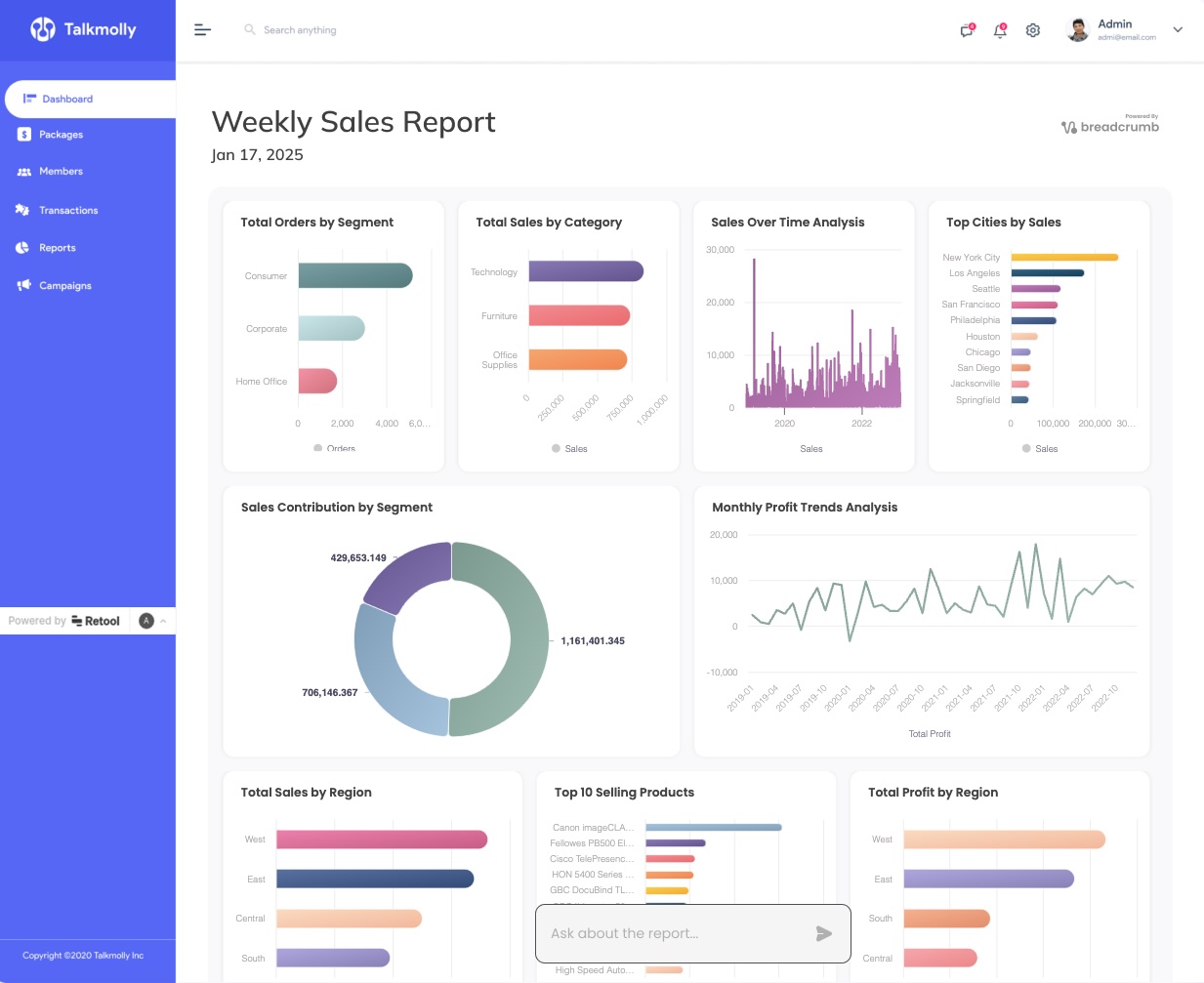
Breadcrumb.ai’s blog on “Embedding” explores how to integrate AI-powered analytics dashboards into your apps or client portals—no code or SQL required. Their recent posts guide users through building dynamic, interactive dashboards in tools like Retool, and highlight the limitations of traditional BI dashboards like Power BI, emphasizing the speed and flexibility of AI-driven reporting. The content is written by the Breadcrumb team, who are recognized for their expertise in agentic analytics and empowering non-technical users. The blog is designed to help you deliver data stories that engage your customers, letting them explore insights on their own terms.
- What is embedding in the context of Breadcrumb.ai? * Embedding refers to integrating AI-powered, interactive analytics dashboards directly into your product, website, or client portal, enabling users to explore and interact with data without needing to learn complex BI tools. (source)
- How can I build analytics dashboards in Retool without SQL? * Breadcrumb’s guide shows you how to use generative AI to create and embed dynamic data visualizations in Retool in minutes—no coding or SQL required. (read the guide)
- Why are customers frustrated with traditional BI dashboards like Power BI? * Customers often face slow updates and limited flexibility with Power BI; Breadcrumb’s AI-powered reporting lets users ask questions, generate custom visuals, and uncover insights instantly, without waiting for developer support. (see the post)
- Who authors these embedding blog posts? * The Breadcrumb team, recognized for their expertise in AI-driven analytics and client-facing reporting, writes and curates these educational resources. (blog)
- What’s the main advantage of embedding Breadcrumb dashboards? * You empower your customers to explore insights and answer their own questions—no spreadsheets, no technical bottlenecks, just actionable data stories. (“Skip the spreadsheets. Just ask questions.”)
